
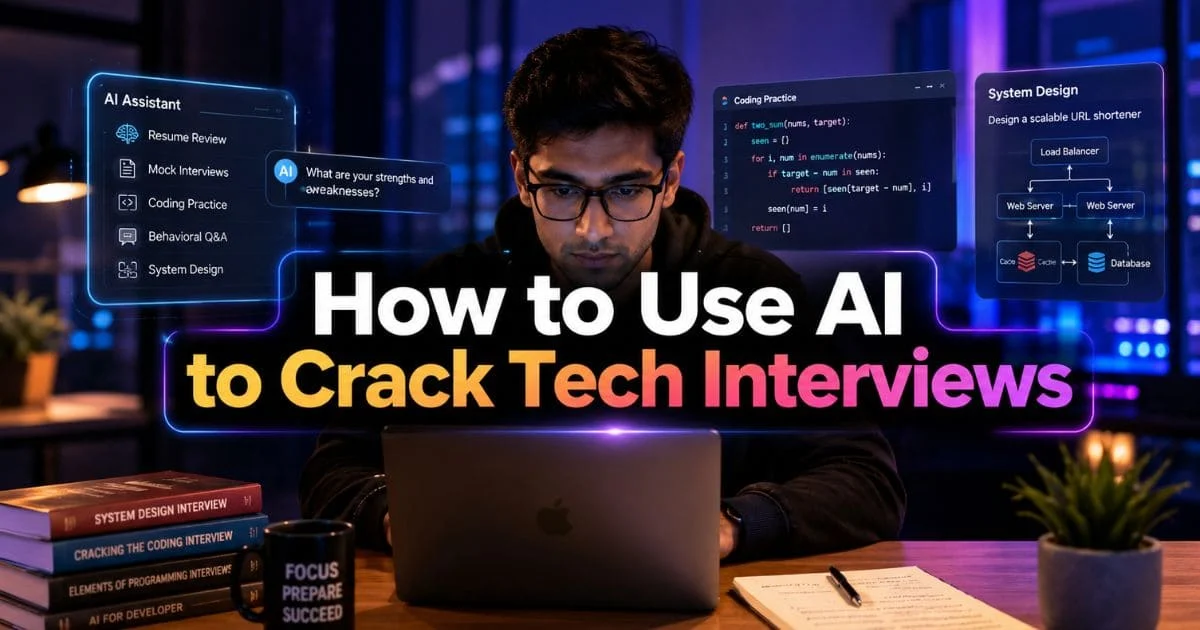
Let’s be honest — interview preparation can feel like staring up at a mountain you’re supposed to climb by tomorrow morning. There’s data structures, algorithms, system design, behavioral rounds — and that lovely side dish of anxiety that never seems to leave. The twist? AI can actually make that climb easier. It’s not magic, but it’s smart. Think of it as your personal coach who’s seen hundreds of tech interviews before. Here’s how to actually use it to prepare — not in theory, but in real, practical ways that work.
Table of Contents
1. Start with a clear Interview Preparation Plan (AI helps you design it)
Before you start throwing prompts at ChatGPT or bingeing YouTube crash courses, wiat. What do you actually need right now? Are you trying to fix your weak spots in algorithms? Do your interview preparation first. Run a few mock interviews without panicking? Wrap your head around system design? Just figure out how to sound like a real person instead of a robot in behavioral rounds?
Example:
Role: Backend Engineer
Timeline: 6 weeks
Focus: Graph algorithms, scalability, and STAR-style stories
Then challenge yourself: explain it to a junior engineer, a senior, and a PM. You’ll notice how your tone and focus shift with each one. That ability to adjust communication? That’s leadership level stuff. Very few intelligent people will use AI for communication skill improvement in interview preparation, but it can play a strong role in closing the skills gap with technology.
2. Use AI for targeted learning — not just shortcuts
AI’s superpower? Killing your confusion fast. You don’t need to slog through 10 blogs or a 50-page PDF. Interview preparation is tough but truly beneficial. Just ask it to teach you in layers:
- One-liner summary
- Code example (in your language)
- Visual analogy or mental model
Here’s a killer prompt:
“Break down Dijkstra’s algorithm so it actually clicks — one-sentence summary, short Python code snippet, and a quick real-world example where it’s useful.”
Then roll up your sleeves — code it yourself. That’s where you’ll hit the real “aha” moments. Every bug you fix is one more concept you’ll never forget.
3. Turn practice problems into a feedback loop
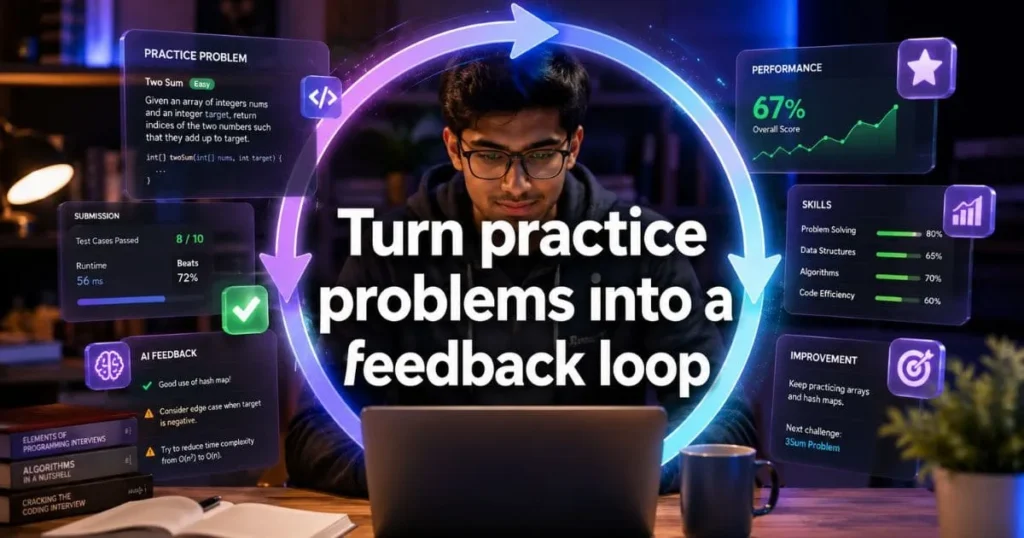
AI speeds up your learning only when you make it part of the practice loop, not the answer key.
- Tackle the problem first — think it through, sketch it out, maybe even whiteboard it.
- Submit your solution to the AI and ask for:
- Complexity analysis (time and space)
- Edge cases you missed
- Simpler or more efficient approaches
- How to explain your approach concisely in an interview
Prompt idea:
“Here’s my solution to [problem]. Tell me if it’s correct, list edge cases, give complexity, and write a 2-minute explanation I can say in an interview.”
Do this repeatedly. Over time your problem-solving explanations will tighten up and sound natural. Your interview preparation should progress well.
4. Practice live Q&A with an AI mock interviewer
AI can double as your mock interviewer — and it’s surprisingly effective. Set it up to challenge you, not coddle you.
Run two modes:
- Standard interviewer: typical questions with follow-ups.
- Tough interviewer: curveballs and deep “what if” questions.
Afterward, tell the AI to rate your clarity, accuracy, and how well you communicated your thought process. Record the session if you can. Listening to yourself later is gold — you’ll spot filler words, awkward pauses, and where your explanations lose structure. That’s how you get comfortable thinking out loud. During interview preparation, you might need the help of some experts. There are a lot of AI development companies that can help you.
5. Nail system design with iterative sketching
System design interviews reward clarity and structure more than fancy terms. Use AI as your thinking partner:
- Define requirements — both functional and non-functional
- Identify core components and data flow
- Brainstorm scaling, caching, and database options
- Discuss trade-offs between choices
Example prompt:
“Design a URL shortening service for 100M daily users.”
Let AI help you estimate scale, spot bottlenecks, and evaluate trade-offs. Then, sketch your architecture and get feedback from AI. Iterate until your reasoning feels smooth and honest — no buzzwords, no guessing. That’s when you’re thinking in systems, not copying templates. AI can definitely help with your system design interview preparation.
6. Perfect behavioral answers (the STAR method, human tone)
System design interviews test one thing — whether you can think in systems, not fragments. AI can be your sandbox for that.
Tell it to:
- Define key requirements
- Map major components and how data moves
- Suggest caching, sharding, scaling tactics
- Debate trade-offs for each design choice
Start with something like:
“Design a URL shortener for 100M daily users.”
Once you’ve got the basics, start grilling the AI — “Where would this break? What’s the scale math? What other designs could work?”
Sketch your system, challenge it, and rebuild with better reasoning each time. Keep cycling through that process until the 15-minute walkthrough feels easy and honest. AI can also help in your behavioral interview preparation.
7. Use AI to improve communication — clarity beats jargon
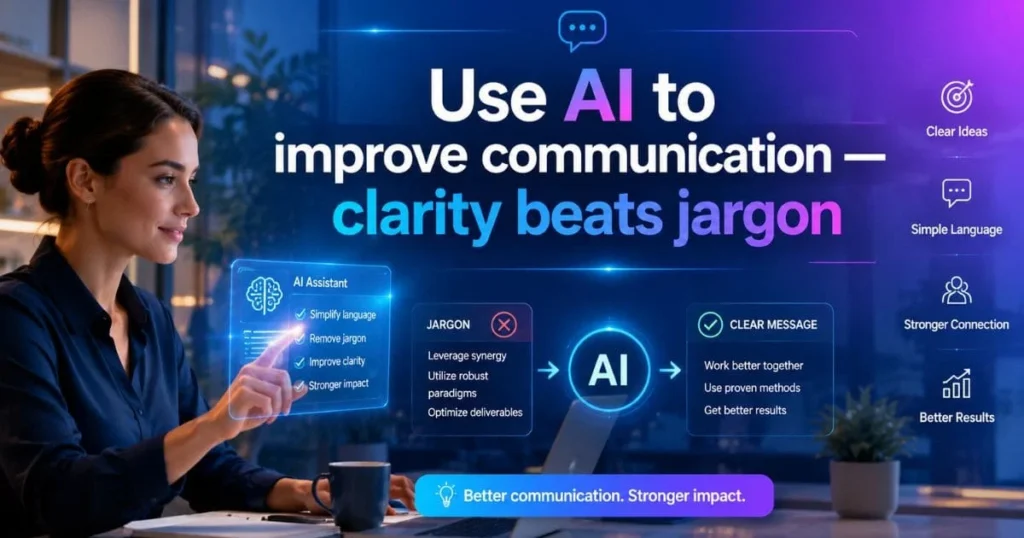
The best interviewees can explain complicated ideas without making them sound complicated. Use AI to polish that skill. After explaining something in your own words, ask:
- “Rewrite this for someone who’s not technical.”
- “Shrink this into a 90-second version.”
Then challenge yourself: explain it to a junior engineer, a senior, and a PM. You’ll notice how your tone and focus shift with each one. That ability to adjust communication? That’s leadership-level stuff. Very few intelligent people will use AI for communication skill improvement that helps you in interview preparation.
8. Build a cheat-sheet — then discard it
Make a one-page summary of key algorithms, complexities, system-design patterns, and your top STAR stories. Have AI help polish and format your notes. The cheat sheet is for preparing for the interview only
9. Use AI as a coach
Ai can only take you so far. Interviews test your knowledge & ability. Use AI for interview preparation only. To stay honest and prepared:
- Always code or explain yourself without AI help first.
- Use AI to critique and improve — not to produce final solutions you don’t understand.
- If you copy polished phrasing from AI, make sure it still sounds like you.
10. Tools & prompts that actually help (quick list)
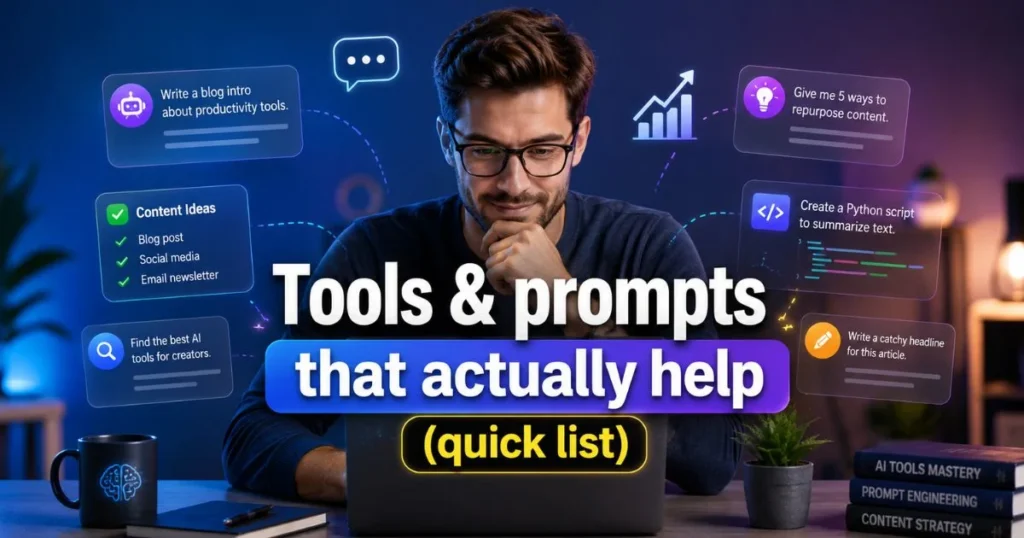
- Mock interviewer prompt: “Act as a senior backend interviewer. Ask me a systems question, then ask two follow-ups. Grade my answer on clarity and correctness.”
- Code reviewer prompt: “Here is my code. Explain bugs, edge cases, and give complexity analysis.”
- Behavioral prompt: “Rewrite my raw experience into a 90-second STAR story emphasizing leadership and measurable impact.”
Final checklist before the interview
- Is your interview preparation complete?
- Can you explain your most recent project in 2 minutes?
- Do you have 3 STAR stories ready?
- Can you walk through a load-balancing or caching decision?
- Have you practiced 5-10 coding problems end-to-end (write, test, discuss complexity)?
- Did you give mock interviews under timed conditions?
Closing Thought
AI is a multiplier — it refines practice, points out blind spots, and simulates pressure. But the human elements remain crucial: curiosity, clarity, and honesty. Use AI to train like an experienced coach, then go into the interview and do the human work: think aloud, admit uncertainty, and solve steadily.
FAQs
1. How can AI help in tech interview preparation?
AI can help candidates practice coding questions, understand technical concepts, create mock interview questions, review answers, and improve problem solving skills before the actual interview.
2. Can AI tools improve coding interview performance?
Yes, AI tools can explain coding problems, suggest better approaches, check logic, and help candidates practice common interview topics like data structures, algorithms, system design, and debugging.
3. What are the best ways to use AI for mock interviews?
You can ask AI to act as an interviewer, generate role based questions, review your answers, give feedback, and suggest better responses for technical and behavioural interview rounds.
4. Should candidates fully depend on AI for tech interviews?
No, AI should be used as a support tool. Candidates should still practise manually, understand the concepts clearly, write code themselves, and review their mistakes regularly.
5. How often should I use AI while preparing for tech interviews?
You can use AI daily for practice, revision, mock interviews, resume improvement, and weak topic analysis. Regular use can make preparation more structured and focused.